How to Add Pets to Your FiveM Server (ESX, QBCore & Qbox)

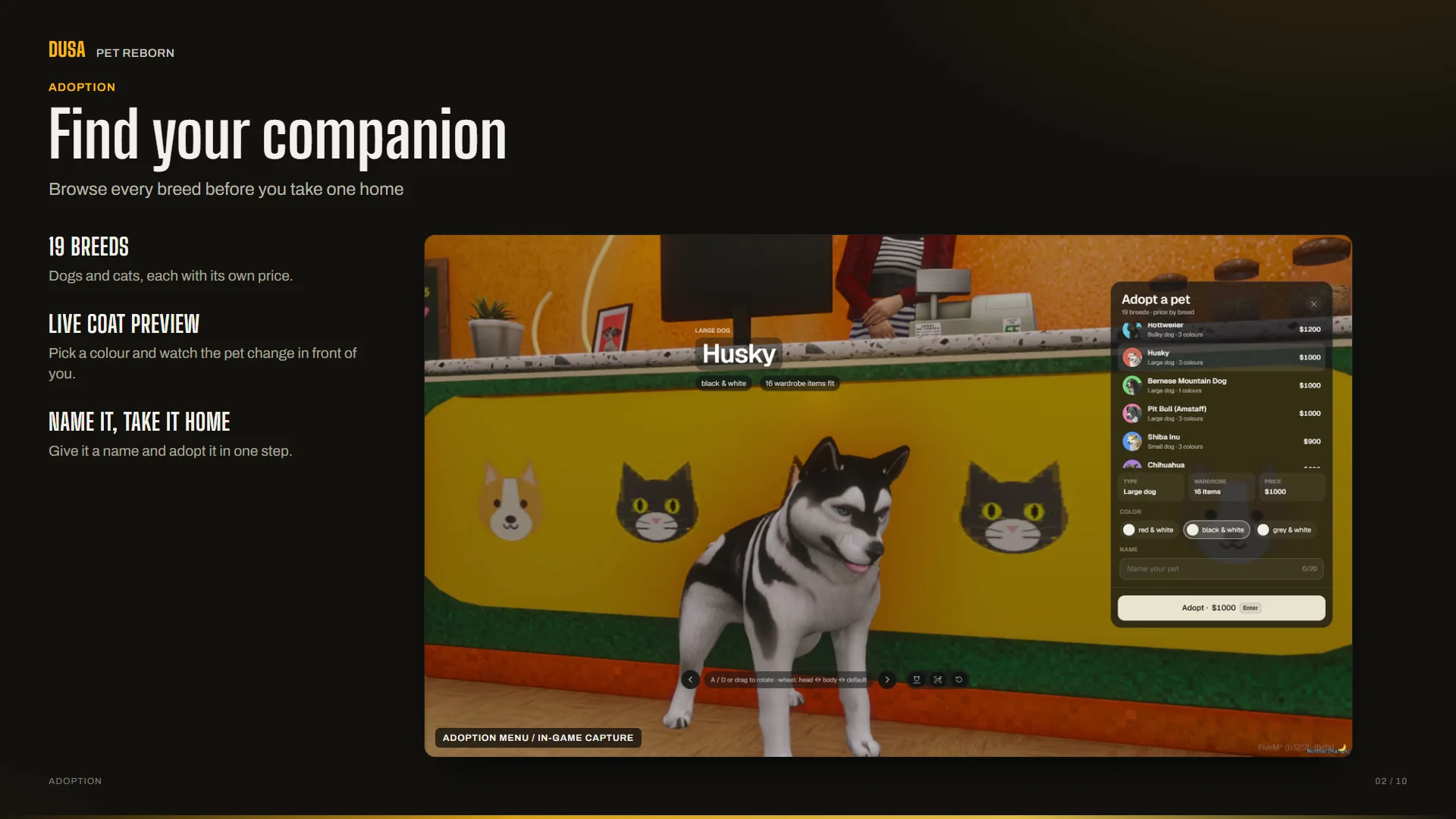
This guide shows how to add pets to a FiveM server running ESX, QBCore or Qbox, using Pet Reborn by DUSA. Once it is running, players can adopt from 19 dog and cat breeds, care for their pet, dress it up, carry it and, on police servers, work with a K-9 partner.
Before you start
- A FiveM server on ESX, QBCore or Qbox.
ox_lib,oxmysqlanddusa_bridgeinstalled and started.- Access to your
resourcesfolder,server.cfgand your inventory's item list.
How to install Pet Reborn
- Get the resource: buy Pet Reborn from the official DUSA store and download it from your Cfx.re portal.
- Add it to your server: place the Pet Reborn folder in your
resourcesdirectory. - Set the start order: in
server.cfg, startoxmysql,ox_libanddusa_bridgefirst, thenensure dusa_pet. If your download includes a separate models resource, start it beforedusa_pet. - Add the items: register the pet items (pet food, water, ball, leash and the pet bags) in your inventory, following the item list in the documentation.
- Configure: set prices, adoption options and whether the K-9 module is enabled in the config. Config, locale and bridge files stay open to you.
- Restart and test: restart the server, adopt a pet, call it, open the pet card and try the wardrobe.
Troubleshooting
- Resource not starting? Check the console and make sure
oxmysql,ox_libanddusa_bridgestart beforedusa_pet. - Pets look like default models? Players should reconnect after you add or update streamed models.
- Need another language? English and Turkish are included. Copy a locale file to add your own.
- Still stuck? Pet Reborn includes lifetime updates and 24/7 support on the DUSA Discord.
What players can do next
Once installed, players adopt a pet, keep its five needs up to build bond, give commands, walk it on a leash, play fetch, dress it up and carry it around the city. See every breed in Best FiveM Pet Script (2026).
Add pets to your server today with Pet Reborn, for ESX, QBCore and Qbox.